The map is missing.
Confirm that you downloaded the .w3x map file and put it in the Maps folder used by your Warcraft III installation.

 Download on HiveVersion R4.22 · Hive Workshop ↗
YOUR FIRST JOURNEY
Get the map, enter Warcraft III, choose a hero, and begin your journey through Brenellia.
BEFORE YOU SET OUT
Daemonic Sword is a custom open role playing game for Warcraft III. The map is a separate download; you need Warcraft III installed to play it.
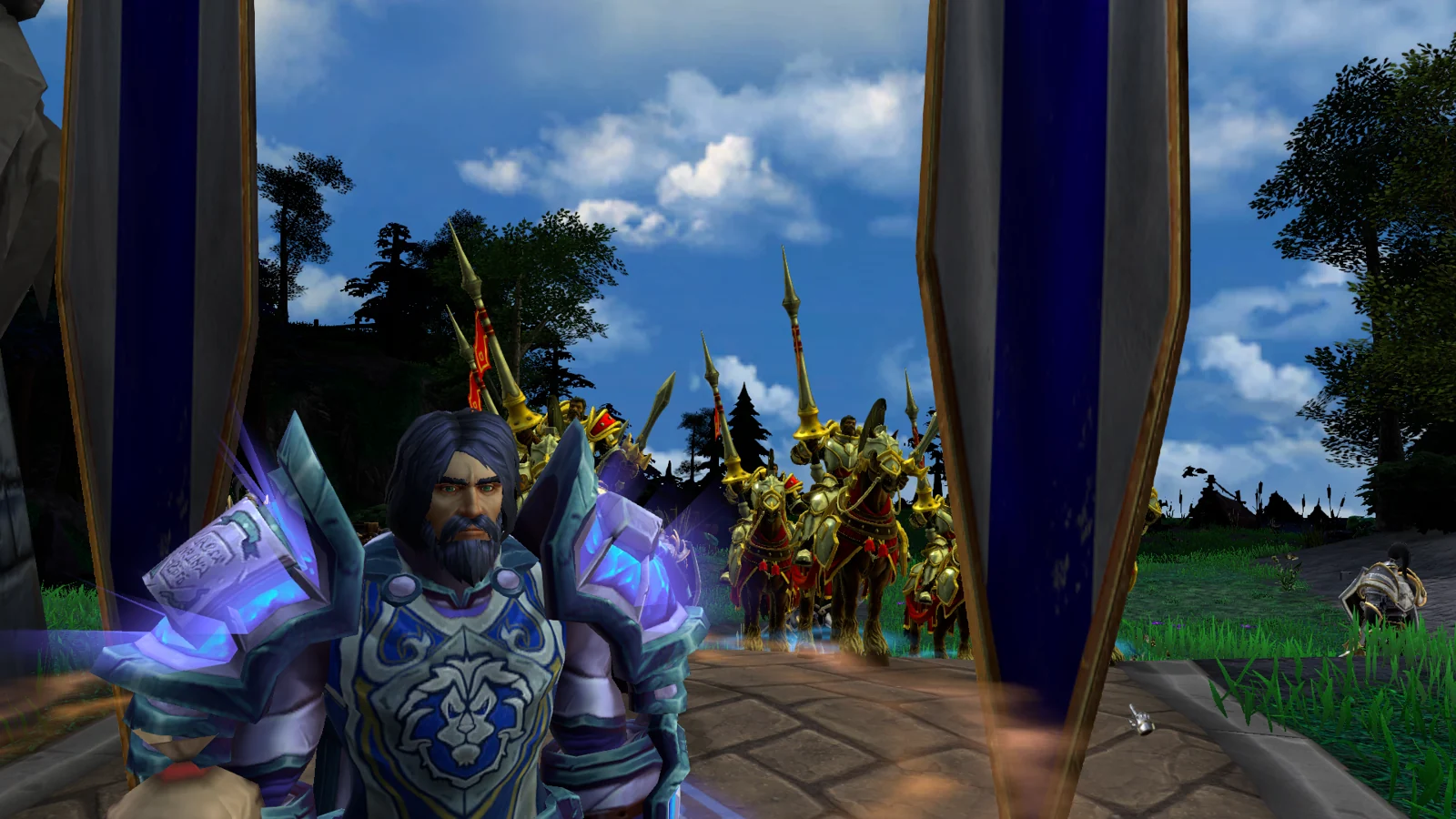
FROM DOWNLOAD TO ADVENTURE
Hive Workshop hosts the official map download. Open the listing, then choose Download to save the .w3x map.
For multiplayer, make sure everyone is using the same map file.
Place the .w3x file in your Warcraft III Maps folder. Use the folder your Warcraft III installation reads for custom maps, rather than the Daemonic Sword development folders.
If it does not appear in the game’s map list, check the folder and file extension, then restart the game.
Open Custom Games in Warcraft III, find Daemonic Sword in the map list, and create a game. Set out alone or gather your party.
Check the release notes and match your Warcraft III version with the players joining you.
Browse the hero cards for a sense of each character’s path. In game, choose the hero you want to explore with and follow the opening story.
Your character will grow through the decisions, equipment, and abilities you develop along the way.
WHEN YOU ARRIVE
The main story begins with Daeganus, the King’s Mage, near the castle in northern Fira. Use the in-game quest interface to review your current objective.
Learn the Journal and save/load interface early. Return to your Journal as you discover professions, guilds, and the wider realm.
Read the adventurer’s FAQs ↗A JOURNEY WORTH KEEPING
Use the game’s save/load interface before ending a session. The current development system also provides rotating autosaves, but a manual save gives you a clear point to return to.
Keep a separate copy of your save files before changing releases, and follow the creator’s compatibility notes when loading a character into an updated map.
Saving & progression help ↗IF THE ROAD GETS ROUGH
Confirm that you downloaded the .w3x map file and put it in the Maps folder used by your Warcraft III installation.
Check that everyone has the same map file and a compatible Warcraft III version. Share the release link so you are comparing the same build.
Tell the community your map filename, Warcraft III version, and what happened. A clear description helps fellow adventurers troubleshoot.
The detailed talent, item, quest, and map compendium follows the development map dated 28 October 2026. The official version is R4.22, released 31 July 2026. Values and controls can differ.